
How to Fix Withings Steel HR Not Charging Issue
Are you frustrated with your Withings Steel HR not charging? It can be incredibly inconvenient when your smartwatch refuses to power up. But don’t worry, there are practical solutions to get your Withings Steel HR back in action. In this article, we will guide you through troubleshooting steps to resolve the charging issue and get your watch up and running again.
Key Takeaways:
- Check the charging cable and power source for any damage or issues.
- Clean the charging contacts of your Withings Steel HR to ensure a proper connection.
- Try restarting your smartwatch as a simple fix for charging problems.
- Ensure that your Withings Steel HR has the latest firmware update.
- If all else fails, contact Withings support for further assistance.
Check the Charging Cable and Power Source
One common reason why your Withings Steel HR may not be charging is due to issues with the charging cable or power source. It’s essential to check these components to ensure they are working correctly and providing sufficient power to charge your watch.
Start by examining the charging cable for any signs of damage, such as frayed wires or loose connections. If you notice any issues, it’s advisable to replace the cable with a new one to ensure a secure and reliable connection.
Next, try using a different power source to charge your Withings Steel HR, such as a different USB port or wall adapter. Sometimes, the problem lies with the power source rather than the watch itself. By using an alternative power source, you can determine if the issue is related to the original power supply or not.
Clean the Charging Contacts
If you’re facing battery problems or experiencing trouble with your Withings Steel HR not charging, it’s essential to check and clean the charging contacts. Over time, dirt and debris can accumulate on these contacts, creating a barrier that prevents a proper connection and charging. Resolving this issue is relatively simple and can help restore the functionality of your watch.
To clean the charging contacts on your Withings Steel HR, you’ll need a soft cloth or a cotton swab lightly dampened with isopropyl alcohol. Make sure the watch is powered off before cleaning. Gently wipe the contacts on both the watch and the charging cable, removing any dirt or residue that may be present.
Remember, it’s crucial to be careful while cleaning. Avoid using excessive force or harsh chemicals that could damage the contacts or the device itself. The goal is to create a clean and optimal connection between the watch and the charging cable.
By regularly cleaning the charging contacts of your Withings Steel HR, you can avoid potential battery problems and ensure a reliable charging process.
Restart Your Withings Steel HR
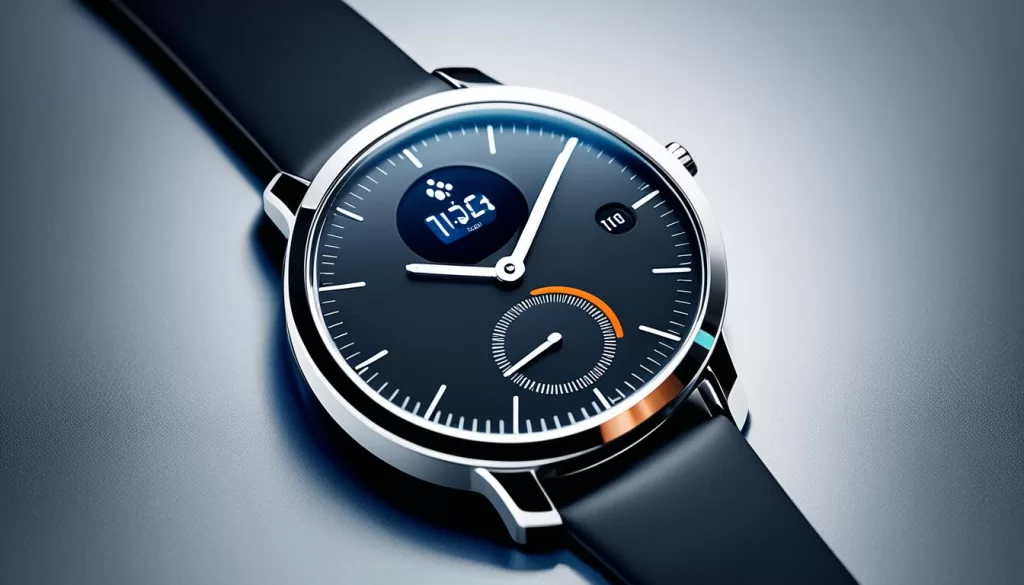
Sometimes, a simple restart can resolve charging issues with your Withings Steel HR. To restart your watch, follow these steps:
1. Press and hold the button
Locate the button on the side of your Withings Steel HR watch. Press and hold the button until the screen goes black.
2. Release the button
Once the screen goes black, release the button.
3. Turn the watch back on
To turn your Withings Steel HR back on, press the button again. The screen should light up, indicating that the watch is restarting.
After the restart, check if your Withings Steel HR starts charging. If the issue persists, try the other troubleshooting steps mentioned in this article.
Update the Firmware
Outdated firmware can sometimes cause charging problems for your Withings Steel HR. To ensure optimal performance, it’s essential to keep your device’s firmware up to date.
To start, open the Withings Health Mate app on your smartphone. Once in the app, navigate to the device settings section. Here, you will find information about your Withings Steel HR, including the current firmware version.
Check for any available firmware updates by selecting the “Check for Updates” option. If an update is available, you will be prompted to download and install it. Follow the on-screen instructions to complete the process.
Updating the firmware can address any compatibility issues and ensure that your Withings Steel HR functions properly, including resolving charging issues. With the latest firmware installed, your watch will have improved stability and performance.

Take advantage of firmware updates
Regularly updating the firmware of your Withings Steel HR not only resolves charging issues but also allows you to benefit from new features, bug fixes, and potential enhancements offered by Withings. Make it a habit to check for updates periodically to ensure your watch stays in optimal condition. Remember, it only takes a few moments to update the firmware and keep your Withings Steel HR fully functional.
Contact Withings Support
If none of the above steps resolve the charging issue with your Withings Steel HR, it may be necessary to contact Withings support for further assistance. They can provide additional troubleshooting steps or arrange for a repair or replacement if necessary.
Visit the Withings website or reach out to their customer support through their provided contact channels.
Having trouble with your Withings Steel HR not charging is frustrating. But don’t worry, Withings support is here to help you find a solution to your battery problems. Their team of experts will guide you through troubleshooting steps or make arrangements for a repair or replacement if needed.
Remember, it’s always a good idea to check their website for any updated contact information before reaching out. Their customer support channels may include phone numbers, email addresses, or live chat options.
Preventing Future Charging Issues
To ensure that you don’t encounter any charging issues with your Withings Steel HR in the future, it’s important to take some preventive measures. Regularly cleaning the charging contacts is crucial for maintaining a proper connection between the watch and the charging cable. Use a soft cloth or cotton swab lightly dampened with isopropyl alcohol to gently clean the contacts on both the watch and the charging cable. This will help remove any dirt or debris that may accumulate over time and interfere with the charging process.
In addition to cleaning the charging contacts, it’s equally important to keep the charging cable and power source in good condition. Inspect the cable for any signs of damage, such as frayed wires or loose connections. If you notice any issues, consider replacing the cable to ensure a reliable charging experience. Similarly, use a stable and reliable power source, such as a USB port or wall adapter, to provide the necessary power to your Withings Steel HR.
Another key aspect of preventing charging issues is keeping your Withings Steel HR’s firmware up to date. By regularly checking for firmware updates and installing them when available, you can ensure that any known charging-related bugs or issues are addressed. To update the firmware, simply open the Withings Health Mate app on your smartphone, navigate to the device settings, and follow the prompts to check for and install any available updates.
Lastly, it’s crucial to follow any charging guidelines provided by Withings. These guidelines may include recommendations on the optimal charging duration or instructions on how to maximize the battery life of your Withings Steel HR. By following these guidelines, you can help maintain the optimal function of your watch’s battery and charging capabilities, and avoid any potential charging issues in the future.