
How to Fix Huawei Watch GT 2e Software Won’t Update Issue
Are you facing difficulties updating the software on your Huawei Watch GT 2e? Don’t worry, you’re not alone. Many users encounter issues when trying to install the latest firmware update on their smartwatches. But what if there were simple steps you could take to resolve this problem and ensure that your watch stays up to date?
In this article, we will guide you through troubleshooting steps to fix the Huawei Watch GT 2e software update issue. Whether your watch won’t update, the update won’t install, or you’re experiencing other software-related problems, we’ve got you covered. Let’s dive in and get your Huawei Watch GT 2e back on track.
Key Takeaways:
- Experiencing software update issues on your Huawei Watch GT 2e? You’re not alone.
- Disconnect your watch from your phone and connect to a stable Wi-Fi network to manually check for updates.
- Use the Huawei Health app to check for available updates for your watch.
- Troubleshoot specific update issues such as slow update transfers or failure to detect new versions.
- Ensure your watch is fully charged, enable automatic updates, and seek assistance from an authorized Huawei Customer Service Center if needed.
Disconnect Your Watch from Your Phone and Connect to Wi-Fi
One possible solution to address the Huawei Watch GT 2e firmware update issue is by disconnecting your watch from your phone. You can do this by turning off Bluetooth either on your watch or your phone. Once the devices are disconnected, connect your watch to a stable Wi-Fi network.
To manually check for and install any available updates, follow these steps:
- On your watch, go to Settings > System & updates > Update.
- Here, you can check if any updates are available for your Huawei Watch GT 2e.
This method is recommended for troubleshooting Huawei Watch GT 2e software update problems and gives you the opportunity to ensure that your watch is up to date by manually installing any available updates.
Use the Huawei Health App to Check for Updates
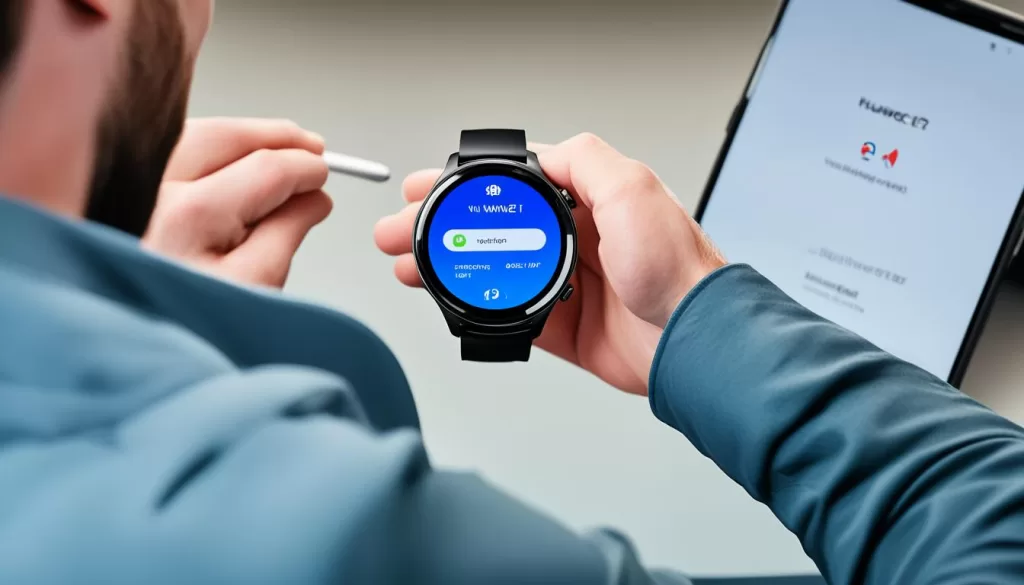
If you are experiencing issues with updating the software on your Huawei Watch GT 2e, an alternative option is to use the Huawei Health app on your compatible device. To get started, open the Huawei Health app and navigate to the device details screen. From there, you will find the option to touch “Firmware update” to check for any available updates for your Huawei Watch GT 2e.
This method requires that you have a Huawei or third-party Android phone running EMUI 10 or later. By using the Huawei Health app to check for updates, you can ensure that you have access to the latest software updates and bug fixes for your smartwatch.
By regularly checking for updates through the Huawei Health app, you can stay ahead of any potential software-related issues and ensure that your Huawei Watch GT 2e is running smoothly. If you encounter any error messages or issues during the software update process, refer to the troubleshooting steps in the previous sections to help resolve any problems you may encounter.
Make sure to take advantage of this convenient method to keep your Huawei Watch GT 2e up to date and enjoy all the latest features and improvements.
Troubleshoot Specific Update Issues
If you encounter specific issues during the software update process on your Huawei Watch GT 2e, there are troubleshooting steps you can take to resolve them. Here are some common problems and their solutions:
Huawei Health App Fails to Transfer or Transfers Slowly
If you are experiencing issues with the Huawei Health app failing to transfer the update package or if it transfers slowly, try the following:
- Disable Bluetooth on your phone and connect your watch to a stable Wi-Fi network before updating. This can help ensure a smoother data transfer process and prevent any potential interference.
Watch Unable to Detect New Version
If your Huawei Watch GT 2e is unable to detect a new software version, it is recommended to wait for a few days before checking again. Sometimes, updates are rolled out gradually, and it may take some time for your watch to receive the latest version.
Unable to Download and Install New Watch Version
If you are unable to download and install the new software version on your Huawei Watch GT 2e, follow these steps:
- Ensure that your watch is connected to a stable Wi-Fi network. A weak or unstable internet connection can interrupt the download process.
- Try downloading and installing the update again. Sometimes, issues can occur during the initial attempt, but a subsequent try may be successful.
By following these troubleshooting steps, you should be able to address the specific update issues you are encountering with your Huawei Watch GT 2e. If you continue to experience difficulties, it is recommended to seek further assistance from an authorized Huawei Customer Service Center. Additionally, always ensure that you have backed up your data before attempting any software updates to avoid potential data loss.
Additional Tips and Support Options
In addition to the previous troubleshooting steps, there are a few additional tips to consider when dealing with software update issues on your Huawei Watch GT 2e. To ensure a smooth update process, it is recommended to fully charge your watch before attempting any software updates. This will prevent any interruptions due to insufficient battery power.
Another helpful tip is to enable automatic update and auto-download of update packages over Wi-Fi in the Huawei Health app. By doing so, you can streamline the update process and ensure that your watch stays up to date with the latest software improvements and bug fixes.
If you continue to experience software update issues or need further assistance, it is advisable to back up your data and visit an authorized Huawei Customer Service Center. Their trained professionals will be able to provide you with the necessary support and guidance to resolve any persistent software update problems you may encounter.