
How to Fix Garmin Venu 2 Heart Rate Monitoring Not Accurate Issue
Have you ever wondered why your Garmin Venu 2 heart rate monitoring may not be accurate? You rely on your fitness watch to provide you with precise data, but sometimes the readings can be off. What could be causing this discrepancy? Is there a way to fix it?
In this article, we will explore the common issues that can lead to inaccurate heart rate monitoring on the Garmin Venu 2. From the influence of tattoos on the wrist to the impact of body movements, we will uncover the factors that may affect the accuracy of your heart rate readings. Join us as we delve into troubleshooting tips and maintenance techniques to help you resolve the heart rate monitoring problem on your Garmin Venu 2.
Key Takeaways:
- Tattoos on the wrist can interfere with the accuracy of heart rate measurements on the Garmin Venu 2.
- Ensure a proper fit and contact with the skin for optimal heart rate monitoring.
- Cleaning and maintaining the heart rate sensor can improve accuracy.
- Consider using a chest strap heart rate monitor for more precise readings.
- If issues persist, contact Garmin support for further assistance.
How Garmin Wrist Heart Rate Monitor Works
The Garmin Venu 2 features an advanced optical heart rate sensor on the back of the watch. This sensor uses light to detect variations in blood volume as it passes through your wrist, allowing it to measure your heart rate. While the technology behind the wrist heart rate monitor is impressive, there are factors that can affect the accuracy of the readings.
Body movements, muscle contractions, and running cadence are a few examples of activities that can interfere with the heart rate measurements. These factors introduce potential inconsistencies, leading to imprecise readings at times. To optimize the accuracy of the heart rate monitor, it is crucial to establish proper contact between the device and your skin.
Ensure that the watch is securely fastened and fits snugly on your wrist above the wrist bone. This positioning helps to maintain a consistent connection with the heart rate sensors, allowing for more accurate measurements. By following these recommendations, you can improve the reliability of the Garmin Venu 2’s heart rate monitoring function.
Cleaning and Maintenance of Garmin Heart Rate Sensor
Proper cleaning and maintenance are crucial for ensuring accurate heart rate monitoring on your Garmin Venu 2. The optical sensors on the back of the watch can easily become obstructed or blocked by residue from sunscreen, lotions, or insect repellents. To maintain optimal performance, follow these steps:
Step 1: After each workout, rinse the watch with lukewarm water to remove any residue that may have accumulated on the sensors.
Step 2: Use a gentle cloth to wipe the heart rate sensor clean, ensuring there are no particles or smudges that could hinder accurate readings.
Step 3: Avoid using metal, leather, or nylon bands as they may interfere with the proper fitting and flexibility of the watch. Instead, opt for silicone bands, which are ideal for accurate readings with the optical heart rate sensor.
By following these cleaning and maintenance practices, you can prevent any potential issues that may arise from sensor obstruction and maintain the accuracy of your Garmin Venu 2 heart rate readings.
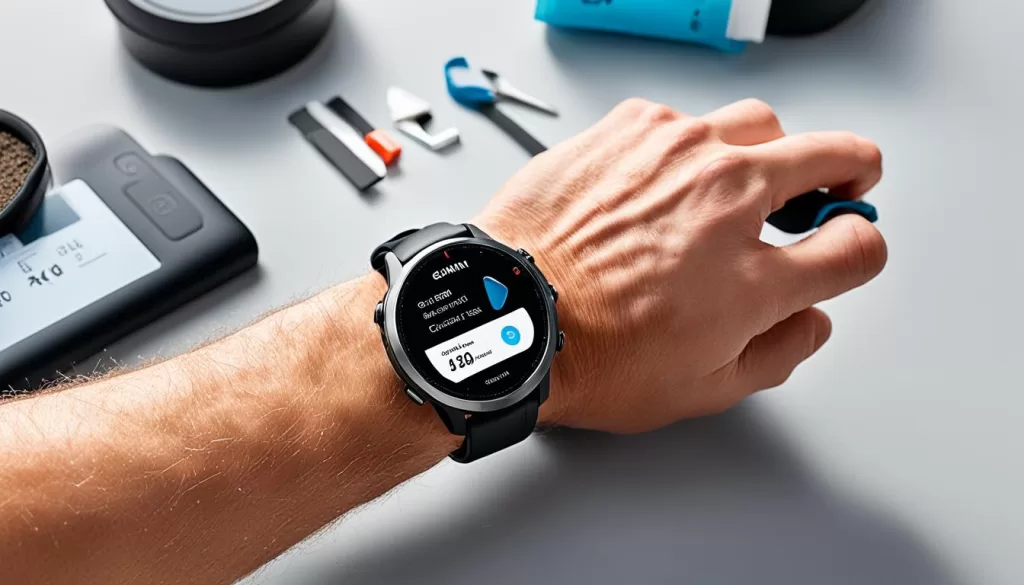
Accurate heart rate monitoring is crucial for tracking your fitness progress and optimizing your training. In the next section, we will explore the benefits of using a chest strap heart rate monitor as an alternative to wrist-based monitoring.
Considerations for Chest Strap Heart Rate Monitors
While the Garmin Venu 2 offers wrist-based heart rate monitoring, some users may find better accuracy with chest strap heart rate monitors.
Chest straps utilize electrode pads to gather the heart’s electrical signals, resulting in higher precision compared to wrist-based monitors. This makes them suitable for individuals who require more accurate heart rate measurements during their workouts.
One notable chest strap heart rate monitor option is the Garmin HRM-Pro™ Plus. This advanced monitor ensures reliable heart rate tracking as it is not affected by light conditions or wrist movements during physical activity. The electrode pads provide a secure connection and deliver accurate measurements.
With a chest strap heart rate monitor, you can trust that your heart rate readings will be more precise, allowing you to optimize your training intensity and track your fitness progress effectively.
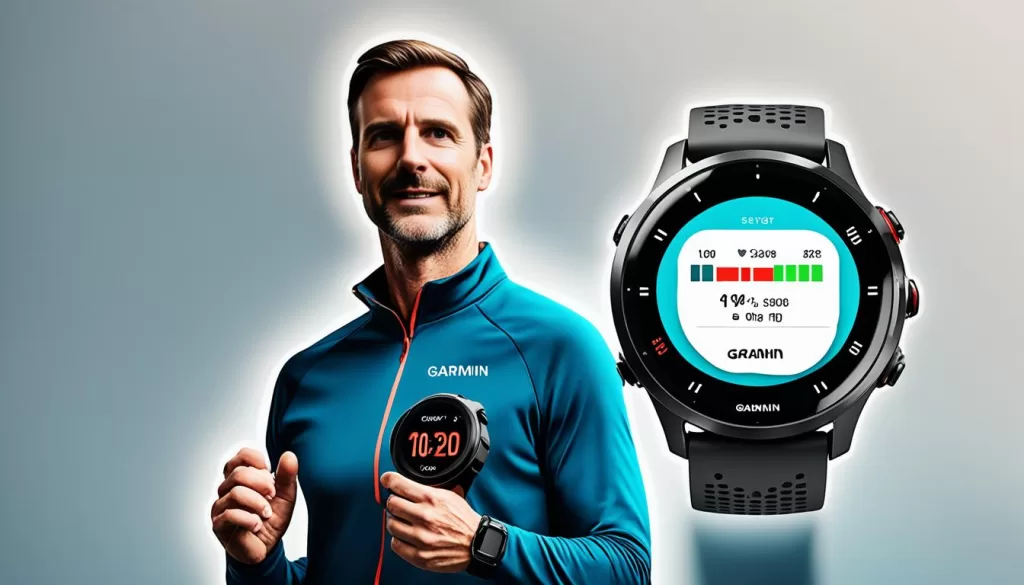
By investing in a chest strap heart rate monitor like the Garmin HRM-Pro™ Plus, you can enhance the accuracy and reliability of your heart rate tracking, ensuring that you are getting the most out of your workouts.
Troubleshooting Heart Rate Issues on Garmin Venu 2
If you’re still experiencing heart rate monitoring issues with your Garmin Venu 2 after considering the above factors, there are further troubleshooting steps you can take. These include ensuring your watch’s software is up to date, performing a hard reset of the watch, and checking for any other software-related issues. If the problem persists, contacting Garmin support for assistance and possibly requesting a replacement watch may be necessary.
Ensuring that your Garmin Venu 2 has the latest software updates is crucial in resolving any heart rate monitoring inaccuracies. These updates often include bug fixes and improvements that can enhance the overall performance of the heart rate sensor.
To update your Garmin Venu 2:
- Connect your watch to a reliable Wi-Fi network.
- Navigate to the Settings menu on your watch.
- Select System.
- Choose Software Update.
- Follow the on-screen instructions to complete the update process.
If updating the software doesn’t solve the issue, performing a hard reset on your Garmin Venu 2 can help reset any underlying software glitches. Keep in mind that a hard reset will erase any personalized settings from your watch, so it’s essential to back up any necessary data beforehand.
To perform a hard reset on your Garmin Venu 2:
- Press and hold the Power (light) button on your watch.
- Select Power Off and confirm the action.
- Once the watch is powered off, press and hold the Power button again.
- Continue holding the button until the Garmin logo appears.
- Release the Power button to complete the hard reset.
If neither the software update nor the hard reset resolves the heart rate monitoring issue, it’s recommended to contact Garmin support for further assistance. They have expert knowledge of their products and can provide additional troubleshooting steps or guide you through the process of requesting a replacement watch, if necessary.
Conclusion and Final Thoughts
Accurate heart rate monitoring is crucial for effective fitness tracking and training. However, users of the Garmin Venu 2 have reported issues with heart rate accuracy. If you’re experiencing problems with your device, there are steps you can take to troubleshoot and improve the readings.
Firstly, consider the impact of tattoos on the wrist. Tattoos can interfere with the optical sensors, leading to inaccurate measurements. If you have tattoos on your wrist, try wearing the watch on the arm with fewer tattoos or in an area without tattoos for better accuracy.
Additionally, proper cleaning and maintenance play a vital role in ensuring accurate readings. Residue from sunscreen, lotions, or insect repellents can obstruct the heart rate sensor. Clean your Garmin Venu 2 with lukewarm water after each workout and use a gentle cloth. Silicone bands are also recommended for optimal fitting and flexibility.
Furthermore, if you find that wrist-based monitoring does not provide the accuracy you desire, consider using a chest strap heart rate monitor like the Garmin HRM-Pro™ Plus. Chest straps offer higher precision by gathering the heart’s electrical signals directly, eliminating the impact of light conditions.
If you have followed these recommendations and are still experiencing heart rate issues, it may be necessary to reach out to Garmin support for further assistance and, potentially, a replacement watch. Remember, accurate heart rate tracking is essential for effective workouts, so don’t hesitate to seek the help you need.