
How to Fix Fitbit Charge 5 Won’t Turn On Issue
Are you frustrated with your Fitbit Charge 5 refusing to power on? Don’t worry! We’re here to help you troubleshoot and resolve this common issue. Whether your device’s screen is black, unresponsive, or simply won’t turn on, we have the solutions you need to get your Fitbit Charge 5 working again.
From checking the charging cable to performing a restart or reset, our step-by-step guide will walk you through the troubleshooting process. So, why wait? Let’s dive in and discover how you can fix your Fitbit Charge 5!
- Ensure your Fitbit Charge 5 is properly charged and connected to a power source.
- Clean the charging port and verify the cable and power source are working.
- Try restarting or resetting your Fitbit to resolve the issue.
- If the screen remains black, consider reaching out to Fitbit support for further assistance.
- By following these troubleshooting steps, you can hopefully fix your Fitbit Charge 5 and get back to tracking your fitness goals.
Troubleshooting Steps for Fitbit Charge 5 Power Issues
If you’re experiencing power issues with your Fitbit Charge 5, such as it not working, the screen being black, or it not charging, there are several troubleshooting steps you can try to resolve the problem.
Check the Charging Cable and Power Source
The first thing you should do is ensure that the charging cable and power source are in good working condition. Make sure the cable is securely connected to both the Fitbit device and the power source. If necessary, try using a different cable or power adapter to see if that resolves the issue.
Clean the Charging Port
Next, inspect the charging port on the Fitbit device. Sometimes, debris or dust can accumulate in the port and prevent proper charging. Use a soft, dry cloth or cotton swab to gently clean the port and ensure it is free from any obstructions.
Perform a Restart
If the device is unresponsive to button presses or touch inputs, performing a restart can often help. Simply press and hold the button on the side of the device for about 10 seconds until the Fitbit logo appears on the screen. This will initiate a restart, and hopefully, resolve any software glitches that may be causing the power issue.
Factory Reset
If a restart doesn’t work, you can try performing a factory reset on your Fitbit Charge 5. To do this, go to the Settings menu on the device or use the Fitbit app. Keep in mind that a factory reset will erase all data and settings on the device, so be sure to sync your Fitbit with the app or website before proceeding.
Consider Professional Assistance
If the screen remains black and unresponsive even after trying the above troubleshooting steps, it’s possible that there’s a hardware issue with your Fitbit Charge 5. In such cases, it may be necessary to seek professional repair or replacement options. Contact Fitbit support team for further assistance and guidance on resolving the power issue with your device.
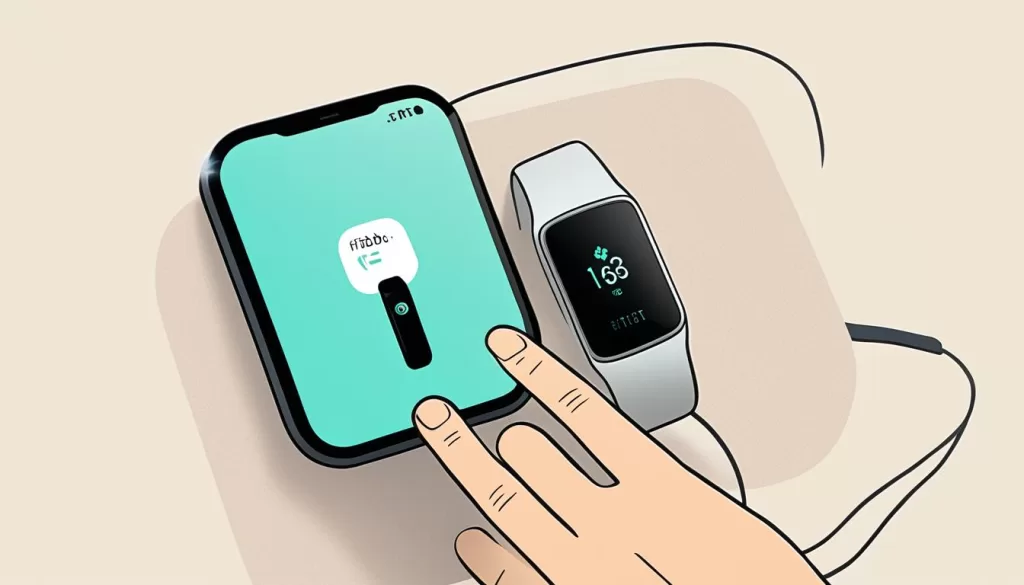
By following these troubleshooting steps, you can hopefully fix the power issues you’re facing with your Fitbit Charge 5 and get back to enjoying all its features and functionalities.
How to Restart and Reset Fitbit Charge 5
If your Fitbit Charge 5 screen is frozen or unresponsive, restarting or resetting the device can often help resolve the issue. Here are the steps to follow:
Restarting Fitbit Charge 5
To restart your Fitbit Charge 5, simply press and hold the button on the side of the device for approximately 8 seconds. You will see the Fitbit logo appear on the screen, indicating that the device is restarting.
Performing a Reset
If the screen remains frozen or unresponsive even after restarting, a reset may be necessary. You can perform a reset using either the device or the Fitbit app:
Using the device:
- On your Fitbit Charge 5, swipe left to access the Settings menu.
- Scroll down and find the option for “About.”
- Select “Factory Reset” and follow the on-screen prompts to confirm the reset.
Using the Fitbit app:
- Open the Fitbit app on your smartphone and ensure your Fitbit Charge 5 is connected.
- Tap on the profile icon at the top left corner of the app.
- Scroll down to find the option for “Advanced Settings.”
- Select “Fitbit Charge 5” and then tap on “Factory Reset.”
- Follow the instructions provided to complete the reset process.
Note: Performing a reset will erase all data stored on your Fitbit Charge 5. Therefore, it’s essential to sync your Fitbit with the app or website before proceeding to ensure you don’t lose any important data.
By following these steps, you can restart or reset your Fitbit Charge 5, allowing you to resolve frozen screen issues and have the device functioning properly again.
Contacting Fitbit Support for Further Assistance
If the troubleshooting steps mentioned earlier don’t resolve the issue and your Fitbit Charge 5 still won’t turn on, it may be necessary to contact Fitbit support for further assistance.
Visit the Fitbit support website or contact their customer support through phone or email to get help with diagnosing and potentially resolving the problem.
Be prepared to provide details about the issue, the steps you’ve already taken, and any error messages or indicators on the device.

Conclusion and Final Thoughts
Dealing with a Fitbit Charge 5 that won’t turn on can be frustrating, but there are steps you can take to resolve the issue. By following the troubleshooting tips provided, you can often fix the problem and get your device up and running again.
One of the first things to check is the battery level. Ensure that your Fitbit Charge 5 is properly charged and connected to a power source. Sometimes, a simple charge can revive the device and solve the issue.
Additionally, it’s important to keep your Fitbit Charge 5 clean and free from any debris. Check the charging port for any dirt or dust and clean it gently if necessary. A clean connection can help with the device’s overall functionality.
If you have tried all the troubleshooting steps and your Fitbit Charge 5 still won’t turn on, don’t worry. Fitbit support is available to provide professional assistance and potential repair solutions. Reach out to their customer support for further guidance and expert advice.
By taking these recommended steps and seeking the necessary support, you can increase the chances of fixing the issue with your Fitbit Charge 5. Soon, you’ll be able to enjoy all the features and functionalities this fitness tracker has to offer once it’s back up and running.