
How to Fix Apple Watch SE Not Charging Issue
If you’re an Apple Watch SE owner and suddenly find yourself facing the frustrating issue of your watch not charging, don’t panic just yet. This common problem can have several causes, but luckily there are steps you can take to troubleshoot and resolve the issue. So, before you give up on your beloved Apple Watch SE, let’s explore some solutions that may get it back up and running.
- Before assuming the worst, try out some simple troubleshooting methods to resolve the Apple Watch SE not charging issue.
- Key factors to consider: the charging cable, charging contacts, software updates, and a force restart.
- Using Apple-certified chargers, keeping the charging area clean, and avoiding extreme temperatures can prevent future charging issues.
- If all else fails, seek professional help from Apple Support or authorized service providers to diagnose and fix persistent charging problems.
Common Reasons for Apple Watch SE Not Charging
There can be several common reasons why your Apple Watch SE may not be charging. It’s important to understand these potential causes to help you identify and resolve the problem.
Using an Incompatible or Third-Party Charger
Using a charger that is not compatible with your Apple Watch SE can cause charging issues. Make sure you are using the correct Apple Magnetic Charging Cable or USB-C Magnetic Fast Charging Cable that came with your watch. Avoid using third-party chargers, as they may not provide the necessary power or may not be certified by Apple.
Dirty or Damaged Charging Cable or Contacts
A dirty or damaged charging cable or the charging contacts on your Apple Watch can prevent proper charging. Inspect the cable and contacts for any dirt, debris, or damage. Clean the charging cable and contacts using a soft, lint-free cloth. Be gentle and ensure they are completely dry before attempting to charge again.
Drained Battery
If your Apple Watch SE has a completely drained battery, it may not charge immediately when connected to a power source. Leave your watch connected to the charger for at least 30 minutes, and then check if it starts charging. If the battery is too low, it may take some time to display the charging icon on the screen.
Software Glitch
A software glitch can also cause charging problems with your Apple Watch SE. To rule out any software issues, make sure your watch is running the latest software version available. You can check for updates by going to the Watch app on your paired iPhone, navigating to General, and selecting Software Update.
Hardware Issue
In rare cases, a hardware issue may be the cause of your Apple Watch SE not charging. If you have tried all the troubleshooting steps and the problem persists, it is recommended to contact Apple Support or visit an authorized service provider for further assistance.
If you’re still experiencing issues with your Apple Watch SE not charging after addressing these common reasons, it’s time to move on to troubleshooting steps; this will be covered in the next section.
Troubleshooting Steps for Apple Watch SE Not Charging
If your Apple Watch SE is not charging, there are several troubleshooting steps you can take to try and resolve the issue. Follow these steps below:
Step 1: Make sure you are using the correct Apple Magnetic Charging Cable or USB-C Magnetic Fast Charging Cable that came with your Apple Watch. Ensure that the charger is securely connected to both the power source and your Apple Watch SE.
Step 2: Check for any obstructions or debris in the charging area of your Apple Watch SE. Sometimes, dust, lint, or plastic wrap can prevent proper charging. Clean the back of your Apple Watch and the magnetic charger using a soft, lint-free cloth if necessary.
Step 3: If the issue persists, try using a different Apple-certified charging cable and power adapter. This can help determine if the problem lies with the cable or adapter itself.
Step 4: Perform a force restart on your Apple Watch SE by holding down the side button and the Digital Crown simultaneously until the Apple logo appears on the screen. This can help resolve any software glitches that may be preventing your watch from charging.
Step 5: If none of the above steps fix the issue, contact Apple Support for further assistance. They can provide additional troubleshooting guidance specific to your Apple Watch SE.
By following these troubleshooting steps, you can often resolve the issue of your Apple Watch SE not charging and get back to enjoying all its features and functionalities.
Preventing Apple Watch SE Not Charging Issues
To prevent Apple Watch SE not charging issues in the future, there are a few precautions you can take. Follow these tips to ensure your Apple Watch SE stays powered up and ready to go:
1. Use Apple-Certified Chargers
Always use Apple-certified chargers for your Apple Watch SE. Avoid using third-party chargers, as they may not be compatible and can cause charging problems.
2. Keep Charging Contacts Clean
Regularly clean the charging contacts on the back of your Apple Watch SE and the magnetic charger. This will ensure a good connection and prevent any dirt or debris buildup that can interfere with charging.
3. Update Software Regularly
Keep your Apple Watch SE’s software up to date. Regular software updates can address any compatibility issues, optimize charging performance, and fix bugs that may affect the battery life.
4. Avoid Extreme Temperatures and Water
Avoid exposing your Apple Watch SE to extreme temperatures or water. High temperatures can degrade the battery, while submerging it in water can damage the internal components. Take care to protect your device from these potential hazards.
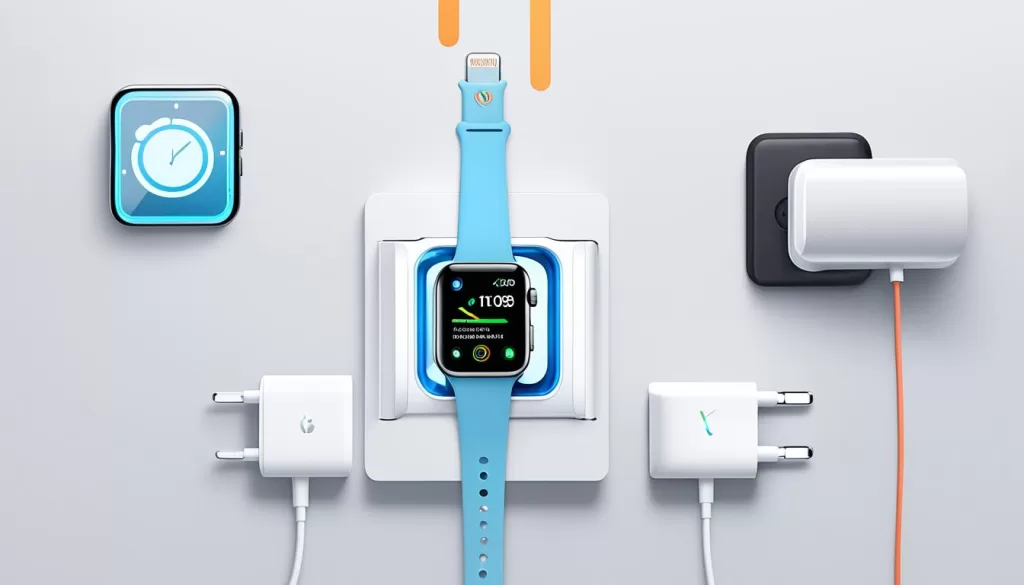
By following these tips, you can prolong the lifespan of your Apple Watch SE and minimize the risk of encountering charging issues. Remember to use Apple-certified chargers, keep the charging contacts clean, update the software, and protect your device from extreme conditions. Taking these precautions will ensure that your Apple Watch SE remains charged and ready for use whenever you need it.
When to Seek Professional Help for Apple Watch SE Not Charging
If you’ve tried all the troubleshooting steps and are still experiencing issues with your Apple Watch SE not charging, or if you suspect a hardware problem, it may be time to seek professional assistance. Sometimes, more complex charging issues require the expertise of trained technicians.
If your Apple Watch SE is still under warranty, it’s best to reach out to Apple Support or visit an authorized service provider. They have the knowledge and resources to properly diagnose the issue and offer a suitable solution. By contacting the professionals, you can ensure that your Apple Watch SE receives the necessary attention it needs.
Professional help is particularly important if you face persistent charging problems despite following all the troubleshooting steps. The experts can perform in-depth diagnostics and repairs to resolve any underlying hardware issues that may be causing the charging problem.
Remember, when it comes to your Apple Watch SE and its charging capabilities, seeking professional help is always a viable option to ensure your watch is in optimal condition and ready to use when you need it.